To locate a General Ledger account, use the fields in the header to filter the selection - e.g., selecting a specific Department and clicking the Filter Button will list all accounts in that department. All fields in the header (including the Classification radio buttons) can be used to filter the search.
Find a GL Account
-
From the Home menu, select
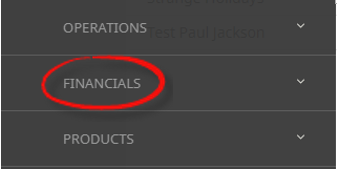
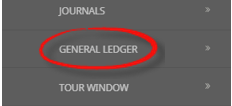
 Financials > General Ledger.
- Click the Home Menu to expand it:

- Click the Financials menu option to expand it:

- Click General Ledger to go to the General Ledger application:
- Click the Home Menu to expand it:
-
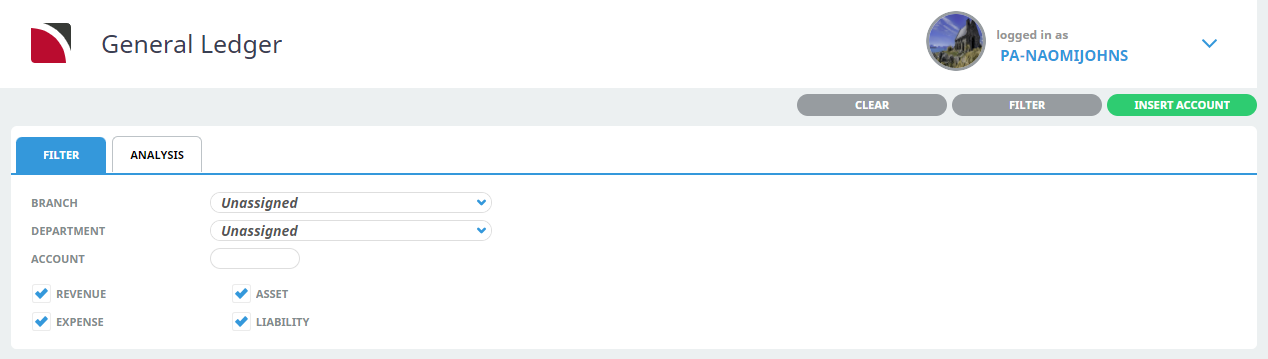
In theFilter Tab fields, enter search criteria.
- Click Filter to return a list of accounts meeting the search criteria.
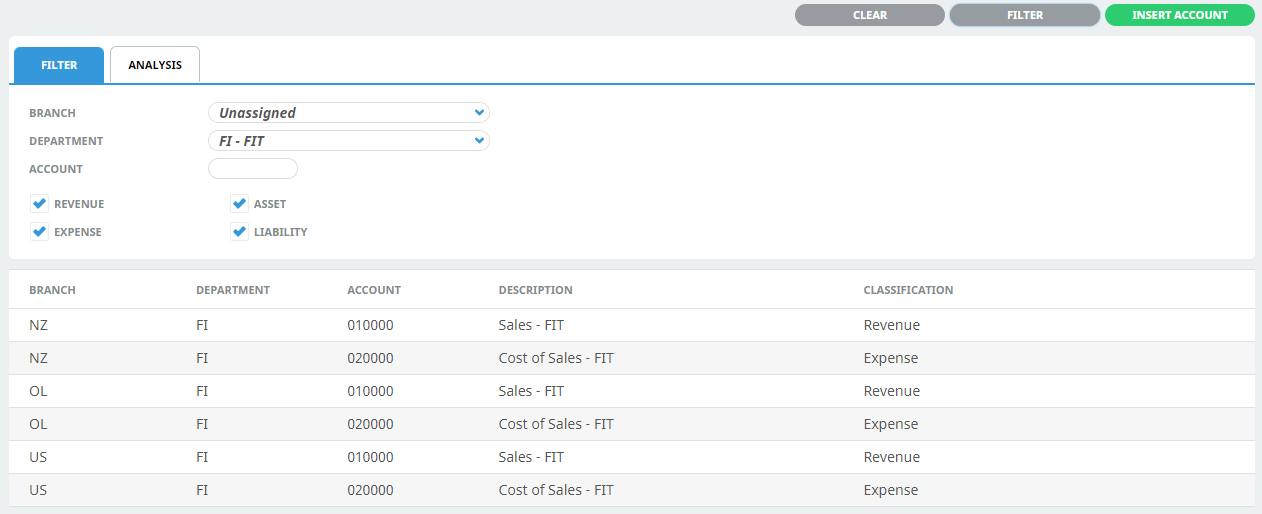

The example shown above allows searching for an account to be based on:
- Branch and/or
- Department (where Department is FI - FIT) and/or
- Account and/or
- Account Classification (any Revenue, Asset, Expense or Liability accounts)
Analysis Tab
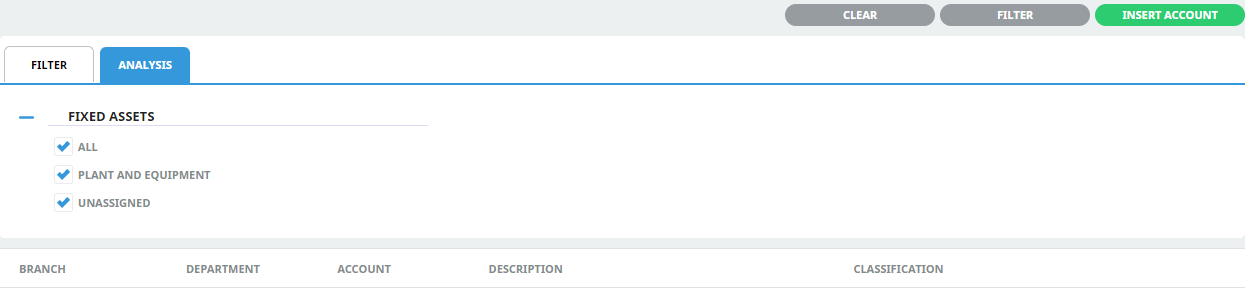
Additional GL Analysis Fields (if previously configured in Code Setup) can be used to further filter when searching for an account.
You can see from this example that two of the 6 fields have been labeled for accounts to be categorised by: Plant and Equipment, and an Unassigned option.